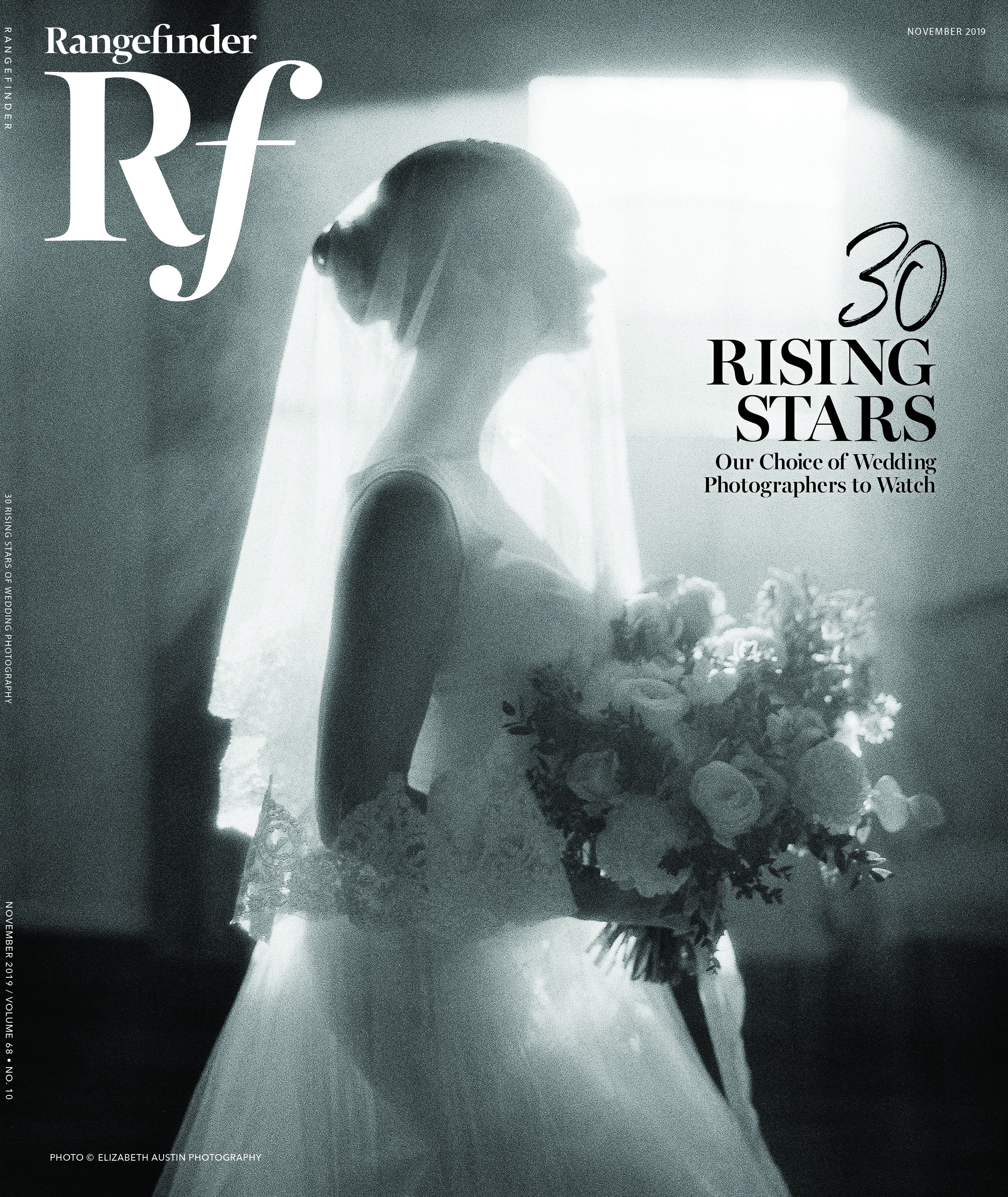
The When and How of In-Camera Double Exposure
August 11, 2015
There’s more than one way to make double exposures. I started making them years ago with film cameras, and now of course Photoshop is there to help you out. But there’s a third way: shooting them in-camera. Within this technique, you can choose to either not use Live View for spontaneity, or to activate it for assurance (as I did in this double exposure).
The When
There must be certain elements present to make me decide to do a double exposure. I need to have something that works well with the in-camera technique: a landscape, texture, flowers, etc. It also has to make sense for the story I am documenting. I liked the idea that this big flower crown could be continued in the face, adding a foliage effect to the bride’s profile.
The How
1. Switch to Multiple Exposure Mode, and activate Function/Control Mode to build the exposure shot by shot, as well as Additive Mode to overlay the images.
2. Shoot the first image (in this case, the bride’s silhouette), manually focusing on the focal point (here, the flower crown).
3. Activate Live View to have the best possible result, and then shoot the second photo (I did a vertical landscape). I usually underexpose the second photo a bit, but here the settings remained the same.
CAMERA: Canon 5D Mark III
LENS: Zuiko 50mm f/1.4 (with adaptor)
SHUTTER SPEED: 1/2500 sec
SETTINGS: Multiple Exposure, Function/Control and Additive Modes
ISO: 400
Related:
Trending Now: What We Saw (and Loved) This Year in Wedding Photography
Bold Talent: Three Contemporaries Turning the Wedding Industry On Its Head
Related Articles
Why Felix Kunze Thinks We’ve Been Overcomplicating Lighting (And What He’s Doing About It)
July 24, 2025
When it comes to lighting in photography, most of us instinctively reach for soft, flattering light. We diffuse our flashes, shoot through umbrellas, and seek out cloudy days. But what if I told you that some of the most striking portraitYou know the moment: your subject is ready, you’ve got about five feet of space to work with, and the...
More »

How to Photograph Fireworks for Couples Portraits
October 24, 2024
Fireworks aren’t just for the Fourth of July! You’ll find them regularly at theme parks, sporting events, and maybe more surprisingly, at weddings. For the latter, fireworks offer photographers a wonderful opportunity to capture epic couples portraits with a truly unique backdrop. Of course, if you’re not familiar with how to photograph fireworks, there are some basic tips you’ll want...
More »

Why Top Photographers are Embracing Hard Light (And You Should, Too)
October 23, 2024
When it comes to lighting in photography, most of us instinctively reach for soft, flattering light. We diffuse our flashes, shoot through umbrellas, and seek out cloudy days. But what if I told you that some of the most striking portraits actually come from embracing hard light? That’s exactly what renowned photographer Roberto Valenzuela teaches in his groundbreaking new Dynamic...
More »