
4 Tips for Lightning Fast Album Design
June 22, 2016
For many wedding photographers, the album is the perfect place to both showcase their work and give their clients a timeless heirloom. That said, the album design process can often be cumbersome and slow. Fortunately, speedy album design is something Andrew Funderburg, owner of Fundy Designer, specializes in. His recent webinar with ShootDotEdit showed photographers how to quickly streamline and speed up their album design process with an efficient, time-saving workflow. Here are four key points from Funderburg’s presentation:
1. Shoot for design concepts.
Start thinking about the design well before you begin the album. As you shoot the wedding day, you should grab images for three main design concepts: wow images, important moments and details. First, the double-spread design concept should feature a “wow” photo, which can be taken at any moment of the day. Look at the scene, the poses and the background, and decide whether this image would be perfect for the double-spread. Second, pay attention to whether the shot is of an important moment of the day, such as the bride walking down the aisle, the ceremony or the first dance. Although you should always shoot for “wow” images, not every moment can be a standalone. In this instance, shoot for the main image with supplementary images from the same situation. For example, when the bride is getting ready with her bridesmaids, capture the details of their suite and attire. Third, shoot the detail shots of the day, keeping in mind the storytelling aspect of each of the important details. When you shoot for the design during the wedding day, the album selection process becomes much simpler.
2. Pre-design the album.
When you first meet with your client, share your pre-designed album templates with them. Not only does this give them fewer decisions to make, it creates less work for you during your post-wedding workflow. If the client chooses a pre-designed album from you, there will be less changes in regard to the album’s concept. Since you are the vision behind the story of the images, it is best that you choose and design the entire album without any input from your clients. You can allow them to make changes, but if you force them to pick the images, your design time will suffer. Your post-wedding workflow will benefit from pre-designing the album because your clients may only have minimal requests for changes or updates to your product.
3. Select storytelling photos.
After the wedding day is over and you have your images back, carefully select the images for your client’s album. Even if you shot thousands of images you think they would love, there are only certain photos that should be a part of the design. Keep in mind the storytelling aspect of creating a wedding album during your selection. Much of the wedding day can be a part of the album, but how you select and organize the photos creates something special for your clients. Start the story of the wedding day by choosing the cover image at the very beginning of your selection process. Once you choose a “wow” photo for the cover, which may be the bride and groom during their portrait, select the photo for the last page and then design the rest of the pages. Setting up the beginning of the story and the end gives you the chance to fill in the body of the story.
4. Design the album efficiently.
Although the process of actually designing the album may only take you a few minutes, ensure you give yourself time to make the best decisions possible for the layout. Think about the time it takes to go back and forth with your clients if you have to make multiple changes to the image choices or design decisions, and use this as you select image size and orientation in the album design. As you design the album, remember why you chose the photos in the first place. The images you are featuring in the album should tell a story from the beginning of the wedding day to the end, which is how your design should display them.
See the full article in the June digital edition.
CreativeLive Video Tutorial: Create a Photo Album: Workflow and Design
Related Links:
Hands-On Software Review: Fundy Designer v7
Related Articles
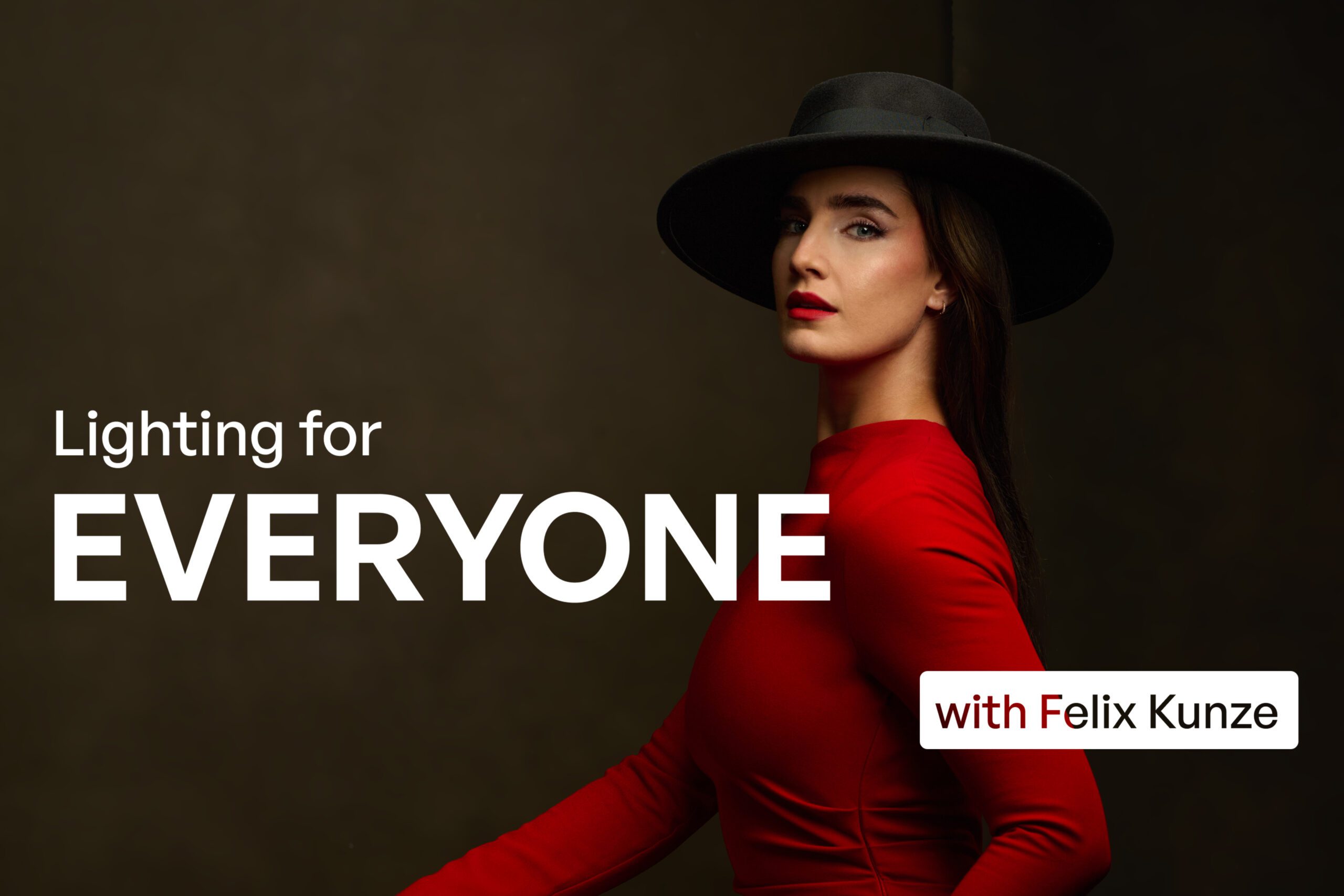
Why Felix Kunze Thinks We’ve Been Overcomplicating Lighting (And What He’s Doing About It)
July 24, 2025
When it comes to lighting in photography, most of us instinctively reach for soft, flattering light. We diffuse our flashes, shoot through umbrellas, and seek out cloudy days. But what if I told you that some of the most striking portraitYou know the moment: your subject is ready, you’ve got about five feet of space to work with, and the...
More »

How to Photograph Fireworks for Couples Portraits
October 24, 2024
Fireworks aren’t just for the Fourth of July! You’ll find them regularly at theme parks, sporting events, and maybe more surprisingly, at weddings. For the latter, fireworks offer photographers a wonderful opportunity to capture epic couples portraits with a truly unique backdrop. Of course, if you’re not familiar with how to photograph fireworks, there are some basic tips you’ll want...
More »

Why Top Photographers are Embracing Hard Light (And You Should, Too)
October 23, 2024
When it comes to lighting in photography, most of us instinctively reach for soft, flattering light. We diffuse our flashes, shoot through umbrellas, and seek out cloudy days. But what if I told you that some of the most striking portraits actually come from embracing hard light? That’s exactly what renowned photographer Roberto Valenzuela teaches in his groundbreaking new Dynamic...
More »
