
First Exposure: Photodex ProShow Web
August 1, 2011
Professional photographers using Windows computers have enjoyed the ability to create and distribute sophisticated video slideshows using Photodex Gold and Producer software for years. Now, with the release of Photodex ProShow Web, that ability has been expanded to the Mac OS. Since it is Web-based, users are able to access and edit the content anywhere at any time, and create HD videos on the fly.
ProShow Web takes all of the work out of creating a video slideshow. You simply log on, pick a theme, upload photos and videos, add music from the royalty-free music library and the software intelligently mixes the photos, videos and music together to create the finished show.
Once the show is created, you can customize it with over 600 built-in drag-and-drop effects. When you are satisfied with the final result, you can share it from the ProShow site where it streams as a high-quality Flash video, or from Facebook and YouTube.
You also have the ability to embed the video or link to it directly from ProShowWeb.com and play it back as HTML5 video on the latest smartphones and Web-enabled devices. Windows users can even download the show they have created and edit it further in ProShow Producer.
ProShow Web has three account levels: Free, Plus and Premium. Free accounts are available for anyone. You can create an unlimited number of shows, but they are limited to 15 photos, videos or titles each, and the videos are limited to 10 seconds each. Customization of the effects is limited and downloads are not permitted.
Plus accounts are available for $30 per year. This allows you to add more photos, videos and titles and video clips can now extend to 20 seconds each (up to 12 minutes total). The full creative palette is available, allowing you to customize all effects. Viewers can download the shows in DVD-quality files at no charge.
Premium accounts are $25 per month or $150 per year. The video limit increases to 30-second clips with no limit on toil time, and all of the Plus features are included. Premium accounts also allow free 1080p HD video downloads, video watermarks and customizable watch pages. Premium accounts are licensed for commercial use, meaning the videos created by Premium account users can be sold to their clients.
And of special interest to professional photographers is the ability for Premium account users to remove the Photodex branding from their shows and add their own logo and link back to their personal Web site. You can even add a special link to the videos so that the URL shows a redirection to https://show-vid.com rather than ProShow Web.
To make the process even easier, Photodex has created a free downloadable plug-in for Mac and Windows Lightroom 2.0 or newer that is available at https://www.photodex.com/products/plugins/lightroom/. With the plug-in installed, all you need to do is select the photos and videos to include in the show and export them using the ProShow Web export preset. The plug-in remembers your log-on information so you simply pick a theme (that you can change later) and the export begins. After the upload is completed you are taken directly to the online show so you can customize or view it. If you use Producer on a Windows computer, the plug-in will export to a folder, create a basic show and open the show in Producer.
As I discovered when I created a show, it really is easy, and the final result was beyond my expectation. I had taken some photos at the Rose Parade on New Year’s Day this year, and decided to make a show using them. They were saved on my hard drive as RAW files, so I navigated to them in Lightroom and selected the ones I wanted to include. The ProShow Web export preset asked for my login information since it was my first use, and then opened the ProShow themes page.
There are available themes for weddings, holidays, birthdays, special occasions and more. I was happy to see a New Year’s theme, so I selected it and the processing and uploading commenced. When the upload was complete, the first ProShow Web editing screen opened. Here I could change my theme or customize it. I wanted to move on with the default theme, so I went to the next screen.
Here is where you will do the bulk of your work. Using the imagery tools tab you can add additional images or videos and add text to the show. I wanted a title slide so I added a blank image, added text to it and dragged it to the first place in the show. Then it was on to customizing individual images and transitions.
There is a dizzying array of possibilities with descriptive names from which to choose. Fortunately, each choice has a quick Flash preview of the effect for you to watch and decide if it is the one you want. I went through and added lots of different effects and transitions just to show a subset of all those that are available. Many are built in, but there are also many that you can preview but must purchase from Photodex in order to use. The process of customization took me a while because I previewed a lot of effects before I applied them.
The next screen allows you to upload a music file from your library or select music from the ProShow Web music library. I decided to use the music library and search the categories for a marching band, but there wasn’t one. There is a lot of music in eight different genres and, as with the effects, you can preview a portion of each piece. The music is also categorized by length, but I had no idea how long the show would last. I ended up with a selection from the Jazz, Blues & World genre and applied it to the show.
Then it was time to give the show a name, which I did, and set the mood from low to high energy. I left this slider in the center, not really knowing what to expect. This screen also allows you to add a watermark that appears in the lower right of each image, so I added my logo.
The final choice on this page is the selection of an image to appear before the show begins and when it is paused. The default is the first image you uploaded, but I wanted my title slide. Unfortunately, I couldn’t find any way to select it, so I left the poster image as the default.
With all of the screens of options completed, ProShow Web took about 10 minutes to put the show together before I could view it. When I clicked the “play” button I was honestly amazed and initially a little disappointed. I expected a slide show of my images shown full screen with the effects and transitions applied. What ProShow Web had created was an amazing show with my images moving and floating over background images that were totally unexpected. And it may be my imagination, but the images seem timed to the music!
However, I was disappointed that the show was only created in SD size at 360p, basically, in a 640 x 360-pixel window. Yes, you can click on the “full screen” button, but the images fall apart on any decent resolution monitor. Checking with Photodex tech support I found out that I needed to click on the Download button and select the other resolutions that I wanted available for display. ProShow Web creates them and they become available using a button in the title bar of the playback window.
Since I have a Premium account, I “unbranded” the video and rebranded it with my studio information and customized the page. You can view the result at https://show-vid.com/view/k6xc828/.
ProShow Web is an excellent and easy-to-use tool for creating online slideshows viewers can access anywhere there is an Internet connection. Viewers can watch the shows on their computers, smartphones, iPads, etc. or download them and create SD or HD video files to write to a DVD or Blu-ray. And Mac users can get a taste for what they are missing in ProShow Gold and Producer.
Stan Sholik is a contributing writer for NewsWatch Feature Service. He is also a commercial photographer with over 30 years of large-format studio and location experience.
Related Articles
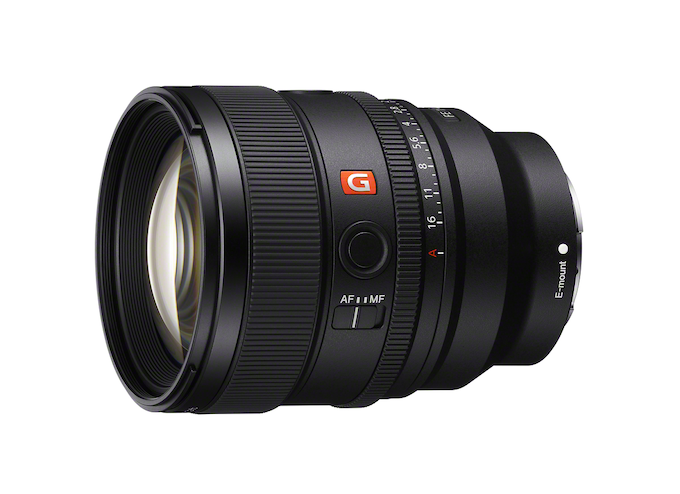
Sony’s Nex-Gen FE 85mm f/1.4 G Master II Prime Lens
September 24, 2024
For many photographers, a fast, 85mm prime lens is a dream lens. It’s perfect for a variety of portrait styles and can produce the dreamy bokeh that is the hallmark of large aperture glass. The latest 85mm prime on the market is the second generation Sony 85mm f/1.4 G-Master II. The original was introduced eight years ago, to meet (or...
More »
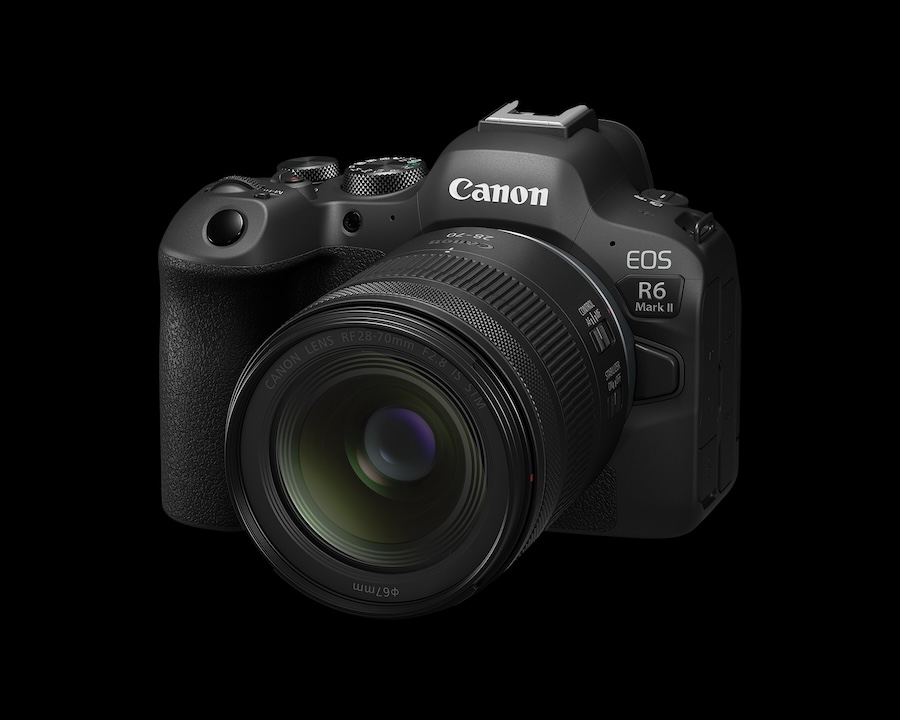
Canon Announces New RF28-70mm f/2.8 Zoom Lens
September 19, 2024
Canon released a new standard zoom with its RF28-70mm f/2.8 IS STM lens. This lens provides a versatile focal range similar to the RF24-70mm f/2.8 L USM lens but at less than half the price: $1,099 vs. $2,499. Granted the L designation of the older lens is, at least partly, responsible for the price difference but the new 28-70mm will...
More »

Canon Launches Two Pro-Level Cameras
July 18, 2024
Canon has officially launched two new, pro-level R-series mirrorless cameras: the 24-megapixel EOS R1 with its high speed performance and the 45-megapixel, high resolution EOS R5 Mark II. Not surprisingly, the R1 with its 40fps burst shooting will appeal to sports photographers and photojournalists—hence its built-in Wi-Fi and Ethernet. Of course, we expect to see this camera in action at...
More »
